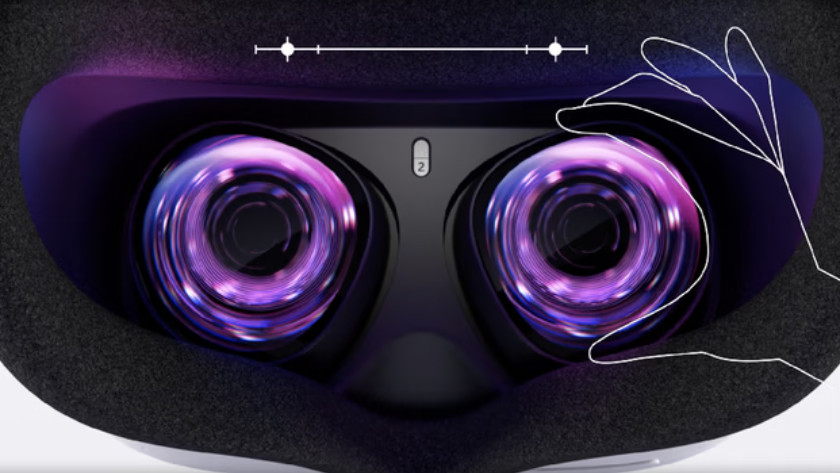
The Oculus Quest 2 offers an immersive virtual reality experience, bringing users into a world of endless possibilities. However, to maintain this high-quality experience, regular maintenance of the device is essential. One of the most crucial aspects of this maintenance is ensuring that the lenses remain clean and clear. Dirty lenses not only detract from the visual experience but can also lead to discomfort and eye strain. This guide provides expert advice on how to effectively clean Oculus Quest 2 lenses, ensuring optimal performance and longevity of the device.
Understanding Lens Material and Care
The lenses of the Oculus Quest 2 are composed of advanced materials designed to provide clarity and durability. However, these materials also require careful handling to avoid scratches or other damage. Here are some key considerations:
- Use only microfiber cloths for cleaning to prevent scratching.
- Avoid using paper towels, clothing, or other abrasive materials.
- Steer clear of liquid cleaners that may contain alcohol or ammonia.
For more detailed instructions on maintaining the integrity of your VR lenses, discover expert strategies here.
Step-by-Step Lens Cleaning Process
Preparation
Before beginning the cleaning process, ensure that you have the right materials on hand. This includes a clean microfiber cloth and, optionally, a lens cleaning solution specifically designed for delicate optics.
Cleaning Procedure
- Power off the Oculus Quest 2 to prevent any accidental button presses.
- Remove the headset and place it on a stable surface.
- Gently wipe the lenses in a circular motion using the microfiber cloth. This helps to lift dust and smudges without applying excessive pressure.
- If stubborn smudges remain, apply a small amount of lens cleaning solution to the microfiber cloth and repeat the circular wiping motion.
For those interested in enhancing their VR headset with prescription lenses, learn about our tailored solutions to ensure a perfect fit and optimal viewing experience.
Maintaining Clean Lenses
Regular maintenance of the Oculus Quest 2 lenses is vital for ensuring a seamless VR experience. Here are some tips for keeping the lenses in top condition:
- Store the VR headset in a protective case when not in use to prevent dust accumulation.
- Avoid touching the lenses with fingers, as oils from the skin can cause smudges.
- Regularly inspect the lenses for dust or scratches and address any issues promptly.
For further insights on maintaining your VR equipment, explore advanced guides and tips.
Additional Tips for Optimal VR Experience
Beyond lens maintenance, there are other factors to consider for an optimal VR experience:
- Ensure that the headset fits comfortably and securely to prevent unnecessary movement during use.
- Calibrate the device regularly to maintain accurate tracking and immersion.
- Keep the device firmware updated to benefit from the latest features and improvements.
For more comprehensive strategies on enhancing your VR setup, find out more about this approach.
In summary, taking the time to properly clean and maintain the Oculus Quest 2 lenses not only enhances the visual experience but also prolongs the life of the device. By following the steps and tips outlined in this guide, users can enjoy a consistently high-quality VR experience. For those seeking personalized solutions or additional information on VR lens care, numerous resources are available to help navigate these needs.
About the Author